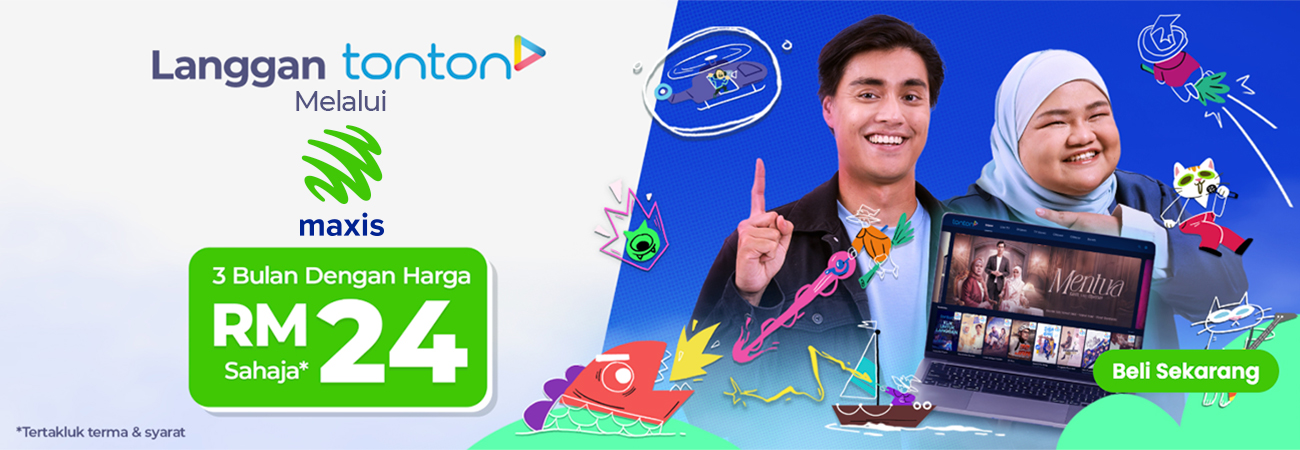
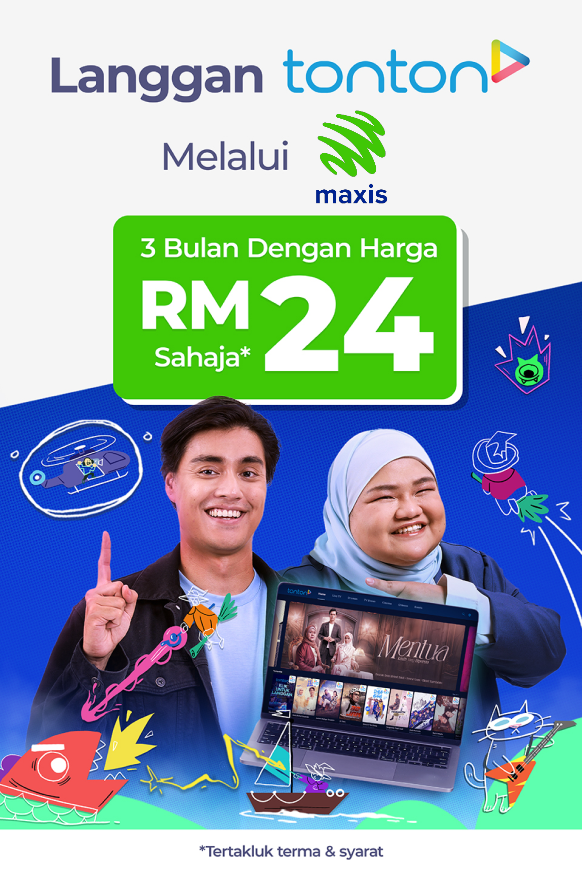
Nikmati hiburan tanpa henti dengan Tonton dan Maxis! Strim rancangan kegemaran anda di Tonton dengan mudah – bayar melalui Maxis hanya RM24 untuk 3 bulan. Jangan lepaskan tawaran eksklusif ini pada harga istimewa. Langgan sekarang dan mulakan strim bersama Maxis!
Muat Turun &
Daftar/Log Masuk ke Tonton
Untuk Android:
Pergi ke Google Play Store
Untuk IOS:
Pergi ke AppStore
Untuk Laman Web:
Klik ‘Beli Sekarang’
Pilih Pelan Langganan 3 Bulan (RM24.00)
Pilih Bayar melalui Maxis sebagai pilihan pembayaran anda
Yay! Anda kini boleh menonton semua drama dan siri tempatan pada bila-bila masa, di mana jua!
Beli SekarangThere are three subscription plans for Tonton with TontonUp. However, only Monthly plan is available to Pay via Maxis. By choosing to "Pay via Maxis," you can enjoy this plan at a discounted rate of RM9 per month. RM24 for 3 months and RM108 for 1 year subscription. This plan allows you to enjoy dramas, movies, documentaries, sitcoms, anime, religious content and more in Malay, English, Chinese and Korean languages.
With Tonton free subscription, enjoy access to free-to-air channels such as TV3, Ntv7, 8TV, Livestream events and News along with hundreds of free shows on demand.
With TontonUp, enjoy ad-free access to K-dramas on TVN and TVN Movies, Anime, premium shows on demand and more.
To subscribe, follow the steps below:
For Web users: Click on: https://www.tonton.com.my/tontonup/index.html
For Android users: Search for Tonton on the Play Store and download the app or click this link: https://play.google.com/store/apps/details?id=my.com.tonton.mobile
For IOS users: Search for Tonton on the App Store and download the app or click this link: https://apps.apple.com/my/app/tonton/id1110671278
Click on https://www.tonton.com.my/tontonup/index.html

Open the app. For existing users, click ‘Sign-In’ and log in via your registered email or mobile number. For new users, click ‘Sign-In’ and then ‘Sign-Up’ to register via your email or mobile number.
.png)
Choose respective Plans .
.png)
Select maxis as Payment option and Click on Join Subscription. ‘Beli Sekarang’ to subscribe
.png)
Enter Maxis number > click ‘Get TAC’
.png)
Copy TAC number and click verify
.png)
Ensure details are correct and click YES
From homepage, Click on Menu Icon on the top left corner.
On the Drop down list, Click on the Settings.
.png)
iii. On the setting page, Click on Account > Click on Manage Account.
v. On the Subscription Plan page, Click on Cancel Recurring Subscription.
.png)
vi. 5. Click on OK to unsubscribe.
vii. Cancel Subscription is successful.
Yes, you can switch between a Tonton free subscription and Tonton Up at any time. If you have subscribed to the quarterly or annual plan, there will not be any refund provided
Sign in to your Apple App Store or Google Play Store account.
Go to "Payments & Subscriptions" in your settings page.
Click on "Subscriptions".
Locate and select "Tonton" to manage your subscription.
Change your subscription by choosing from the other available packages
You can stream Tonton on any internet-connected device. Tonton can be streamed through an internet browser or through the Tonton app, which is available for mobile devices, tablets, smart TV and Android TV. Tonton is also available through any Chromecast device.
You can watch Tonton on two screens at the same time.
For further assistance, contact Tonton’s customer service via email at [email protected]
.jpg)
.jpg)
.jpg)